Free
$010 pages · 3 chapters
Complete PDF export. No watermark.Build clickable contents, chapter tabs and bookmarks from your Adobe Express pages. Refresh after edits.
Start free in Adobe Express 10 pages · 3 chapters · No watermark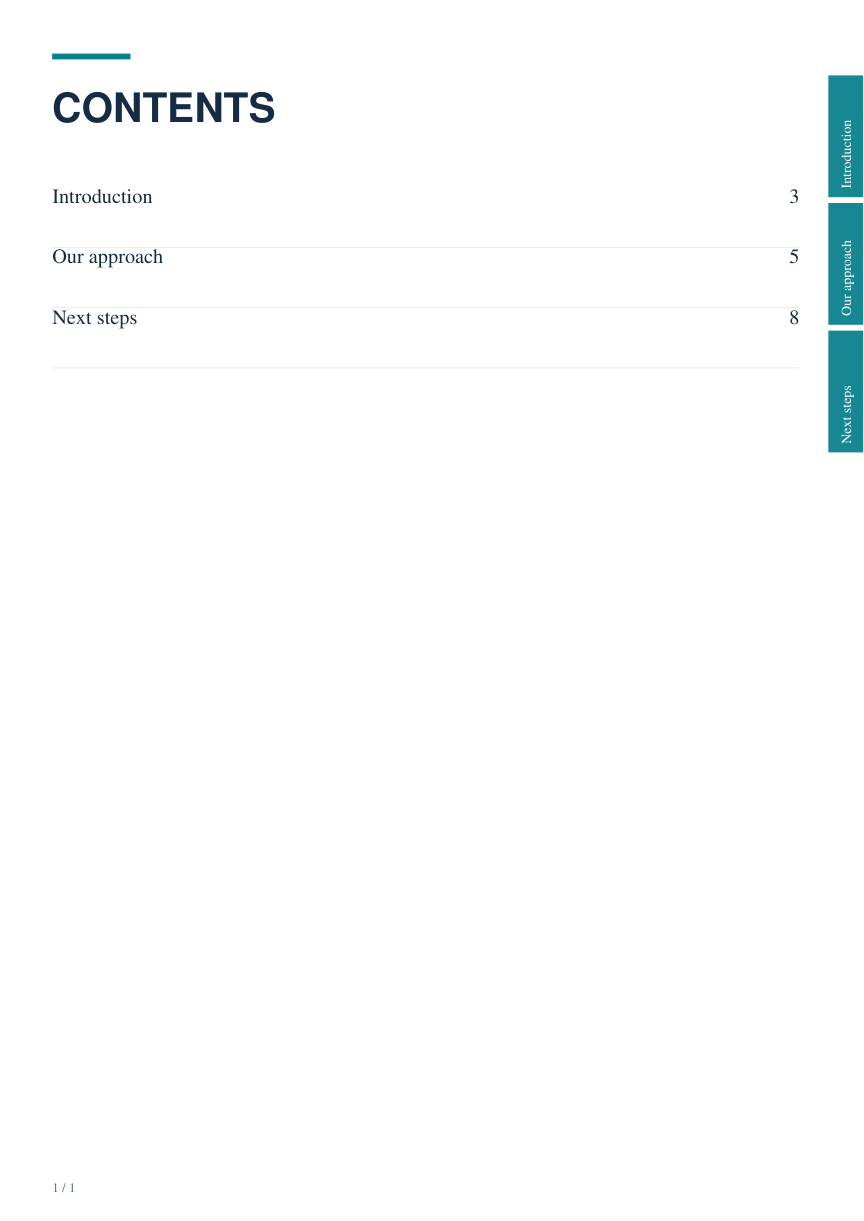
Create clickable contents, chapter tabs and bookmarks in Adobe Express. Upgrade when you need more pages.
10 pages · 3 chapters
Complete PDF export. No watermark.100 pages · 30 chapters
One-time purchase. No subscription.Read the current document, name your chapters and select their start pages. Save the list with your design.
Choose a contents style or map your existing contents. Add edge tabs and return links where they fit your artwork.
Check the clickable PDF, then download it from the Add-on. After editing or reordering pages, refresh and export again.
The Add-on builds a downloaded PDF. It does not change your Express canvas, ordinary download or share link. Individual page links are also available in Adobe Express; this workflow creates and maintains navigation in batches.